
Troubleshooting
Software: RD Works Errors
Wierd Language
If RD Works menues are displayed in a wierd way.
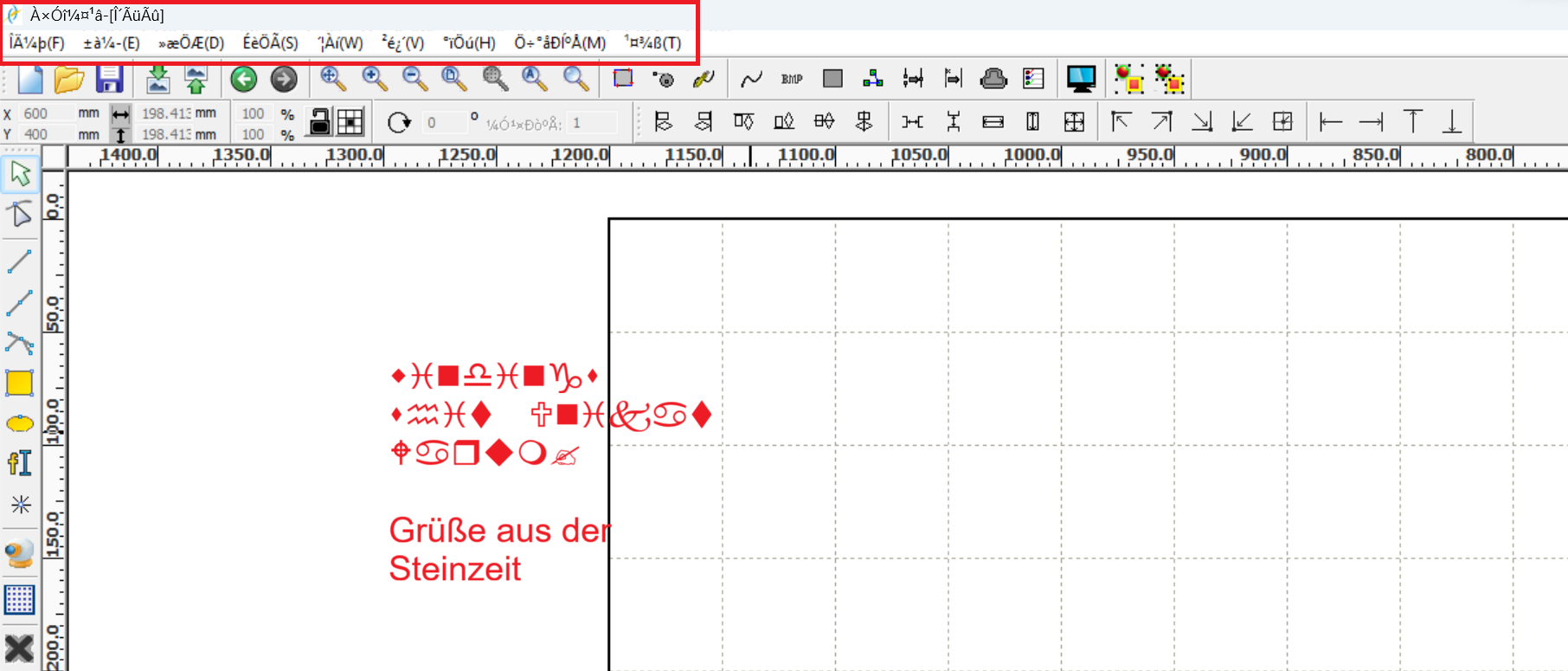
Change the language settings:
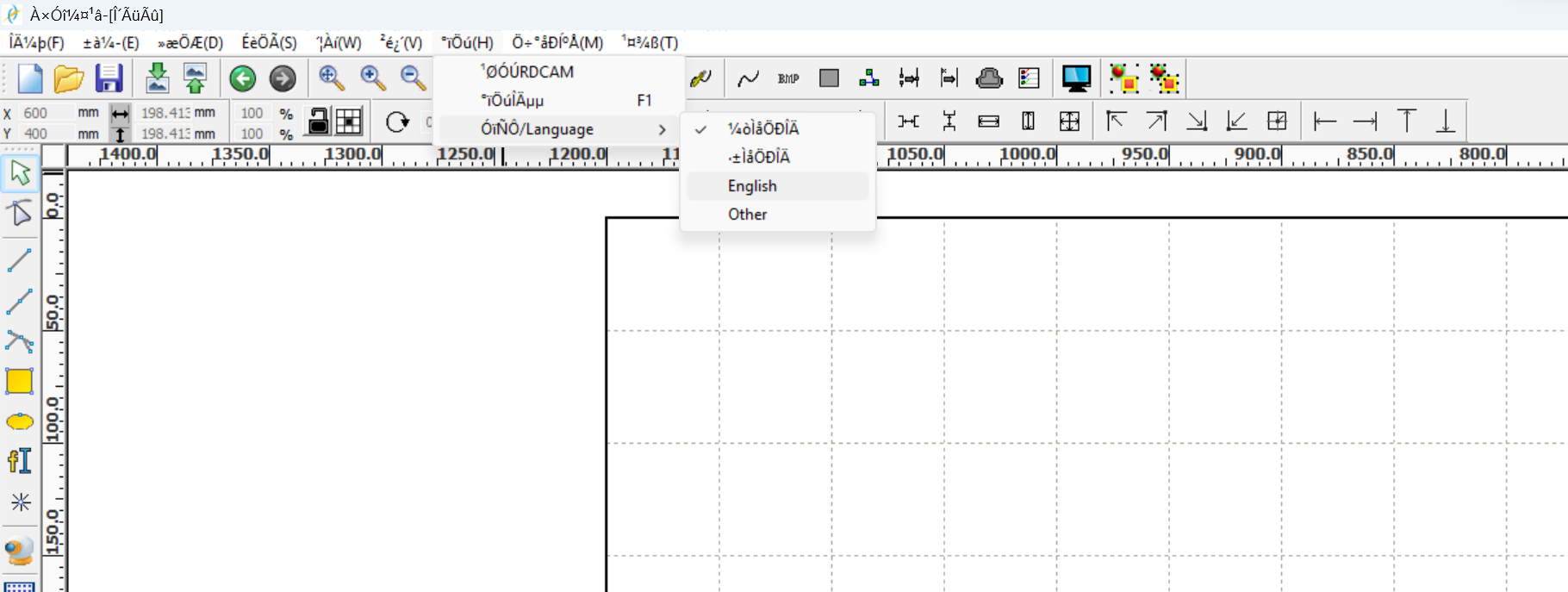
Hardware: Machine Errors
Engraving Accelerartaion Issue
Machine error (German): Nicht genug erw. Sper Bitte "Esc"
Machine error (English):
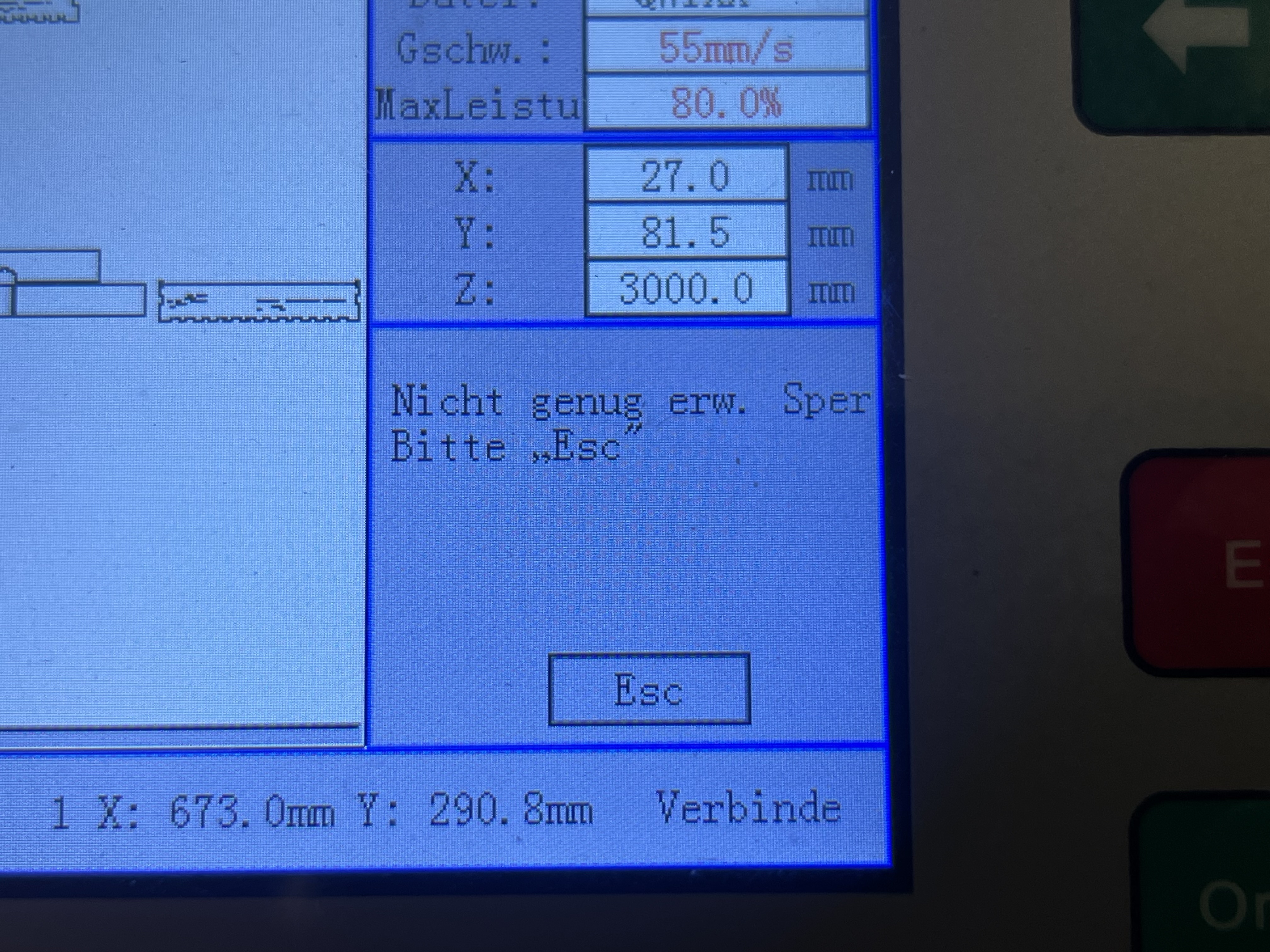
When engraving elements are placed very close to the edge of the work area, the laser head cannot accelerate/decelerate in the X direction enough. The head needs some space to speed up or slow down.
Solution: Place the engraving pattern farther away from the edge of the work area. Alternatively, move the origin closer to the center of the machine bed.
A more precise explanation can be found here:
Forum - Fablab Luebeck (German)
Frame solp/engrave slop - Youtube (English)
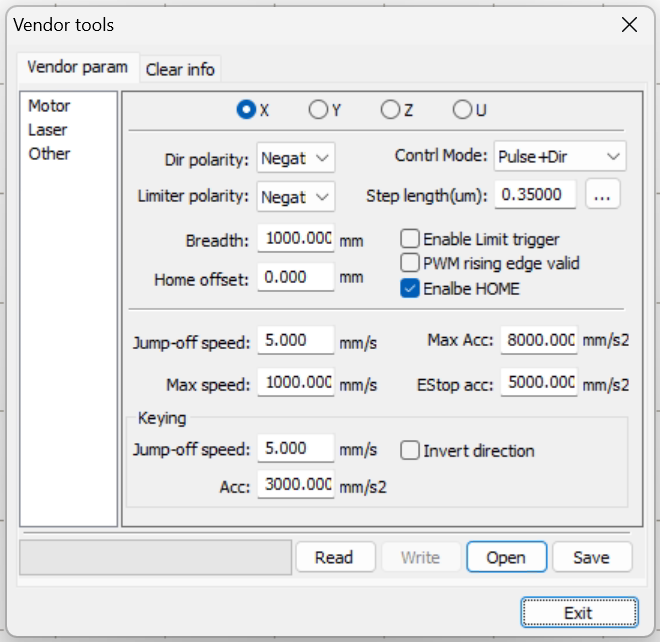
Enter Vendor Settings
Use RD Works to enter and change the controller's vendor settings. Go to "File" > "Vendor Settings," and enter the password for the motherboard.
No comments to display
No comments to display