
❗How to add your project to our Projects Gallery on FabLab Manager 👀
Your project is posted in just a few clicks 🚀
Thank you for being part of our community and inspiring others. 🙏
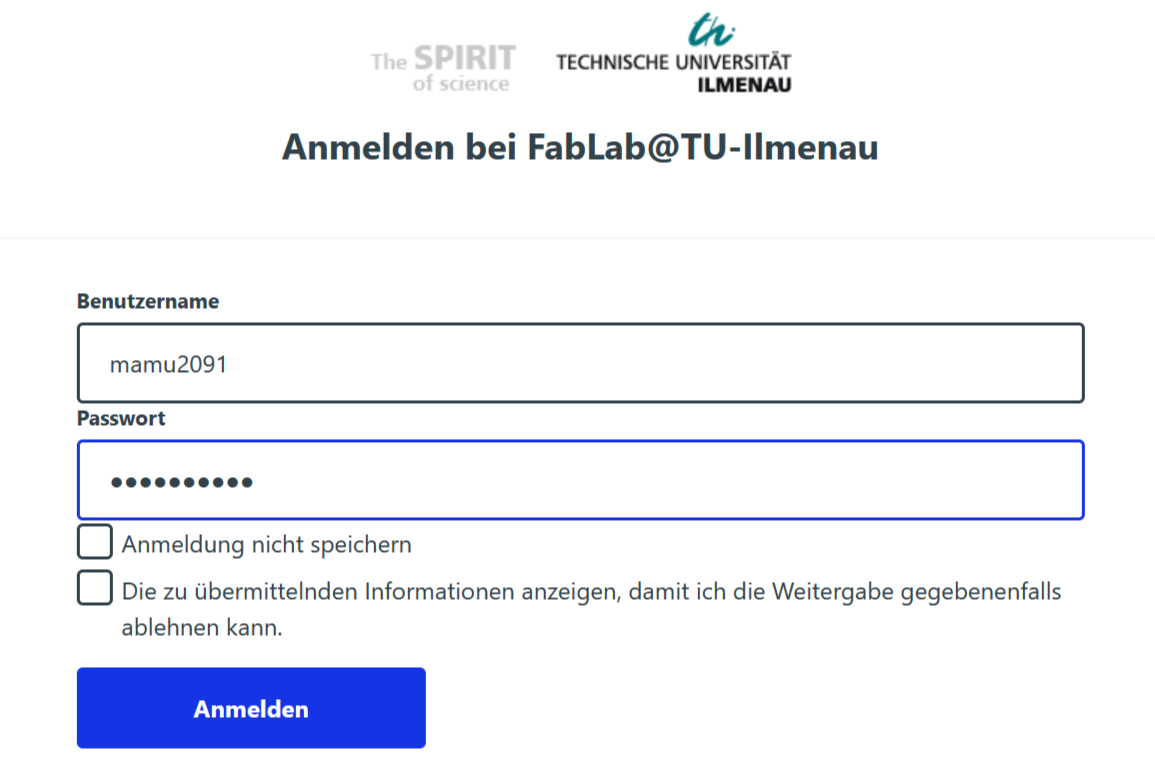
1) Log in 🔐
Log in easily with your university account.
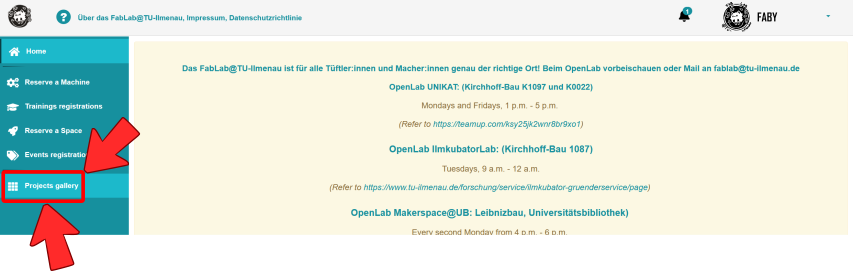
2) Navigate to the Projects Gallery
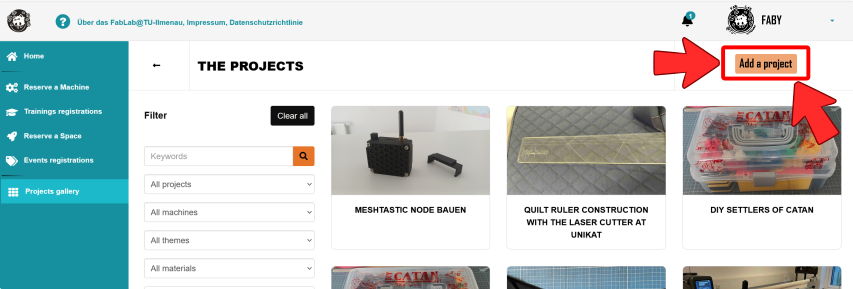
3) Create new project ➕
Just click "Add new project" and get started!
Add Details 📝 & 🖼️ Images
🚀 Publish