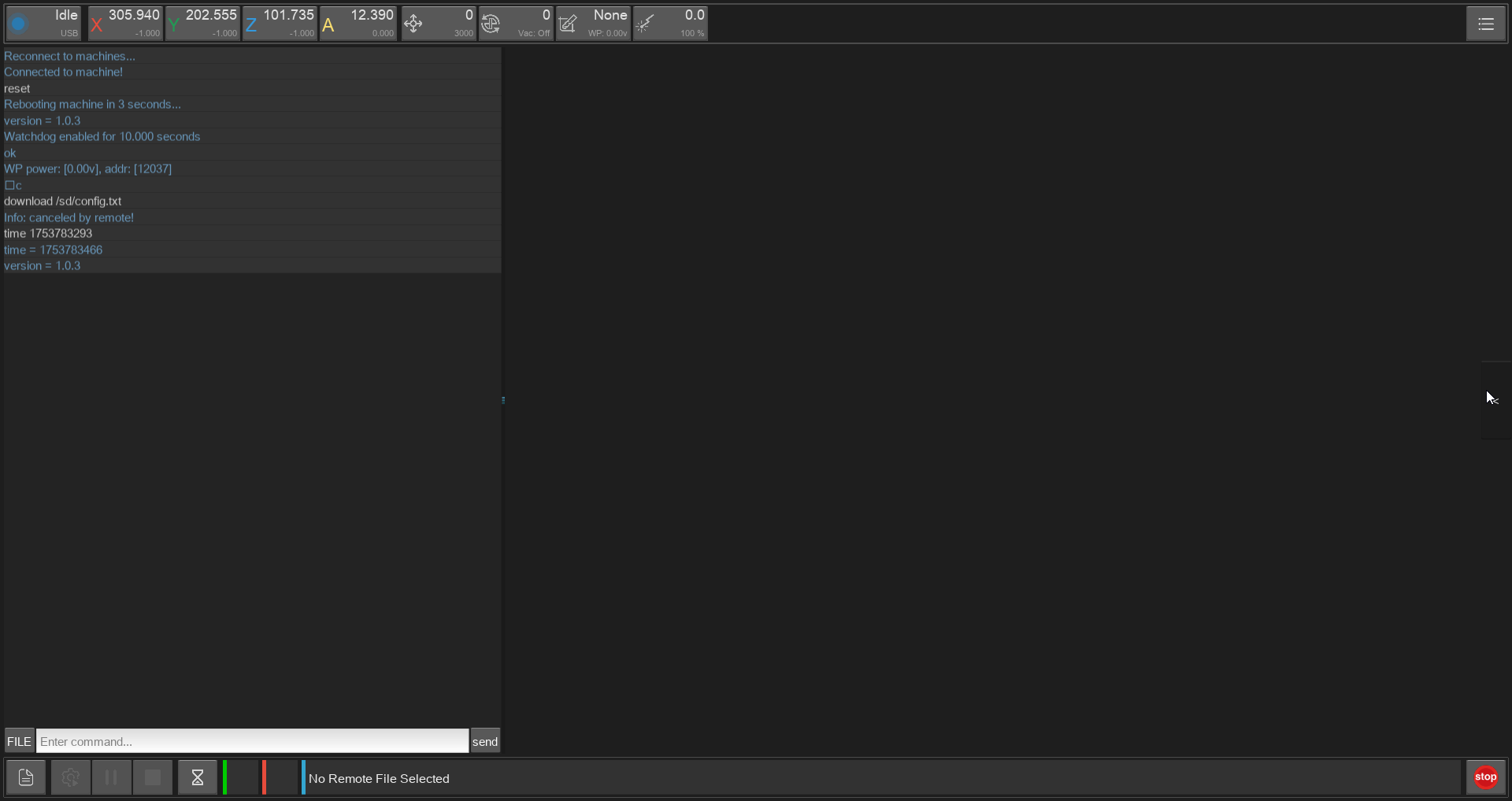
How to Use
1. Turn On
- Use the back switch to turn on the CNC

- The Fron-Button shows the status of the machine and is used for stand by, but because of the USB Connection, always use the back-button for tuning on and of the machine

2. Home
You
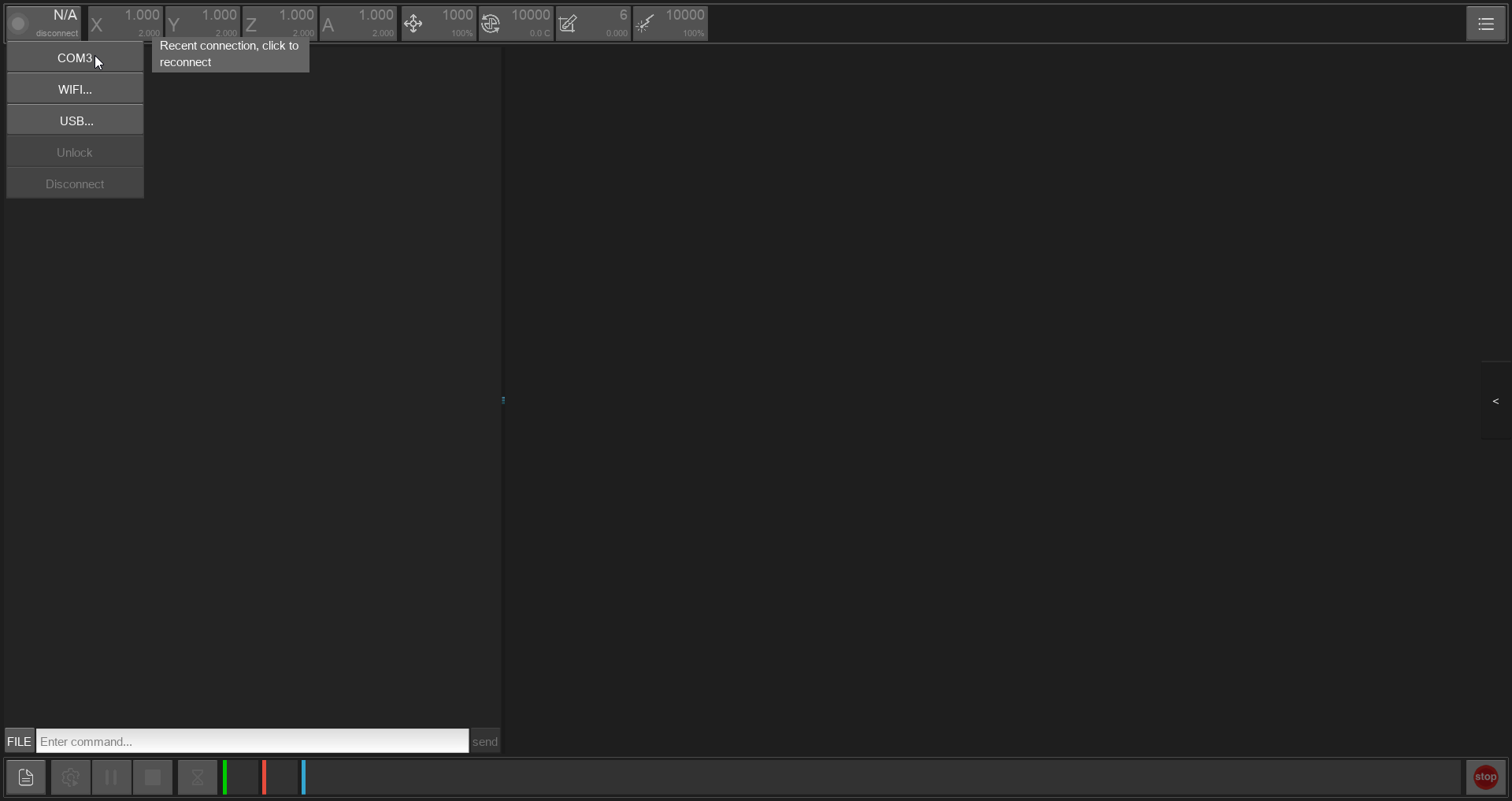
should always home the machine before milling, (even after starting it as a good Connect the software via USB on the top left corner:
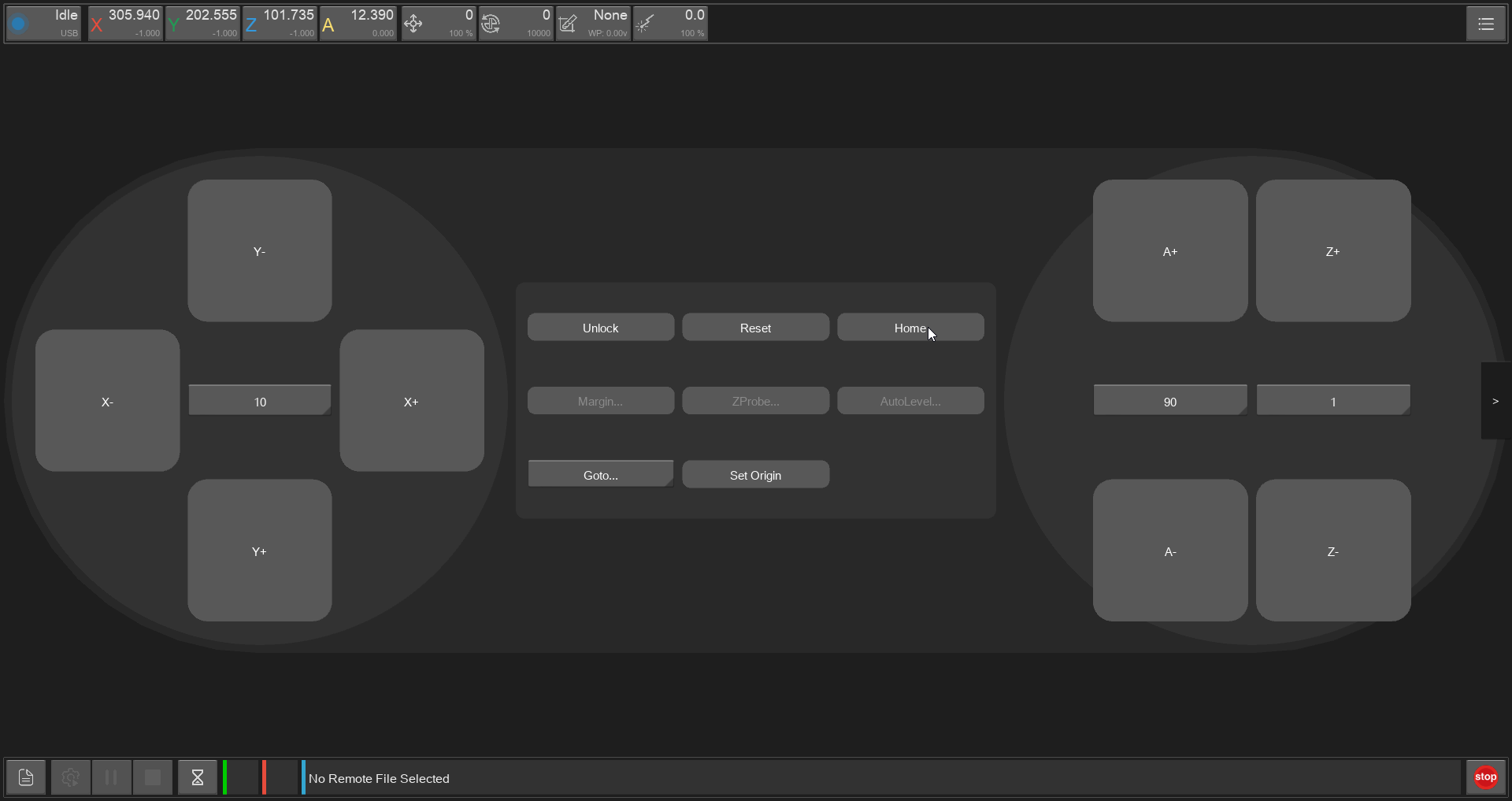
 Go to the side panel and press 'HOME':